

TradingView automated trading

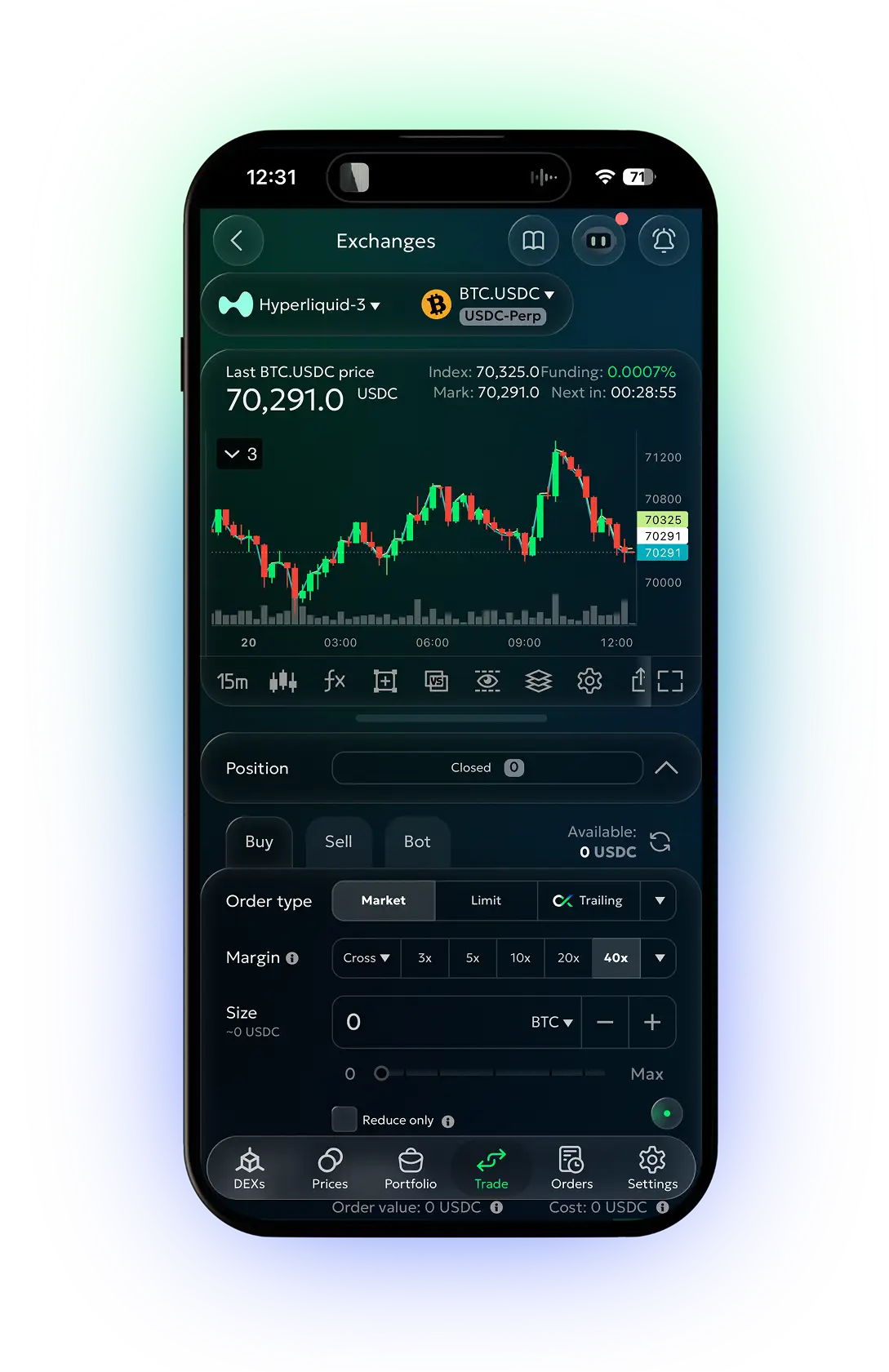
Run the best TradingView signals bot to trade on TradingView indicators at the lowest price on the market. Use a webhook to trigger any order or bot with TradingView alerts, or take advantage of built-in signals based on Trading View indicators. Leverage the best TradingView automated trading strategies for every market condition on 25+ CEXs, 5+ chain networks, and Hyperliquid across the Web, Android, and iOS.
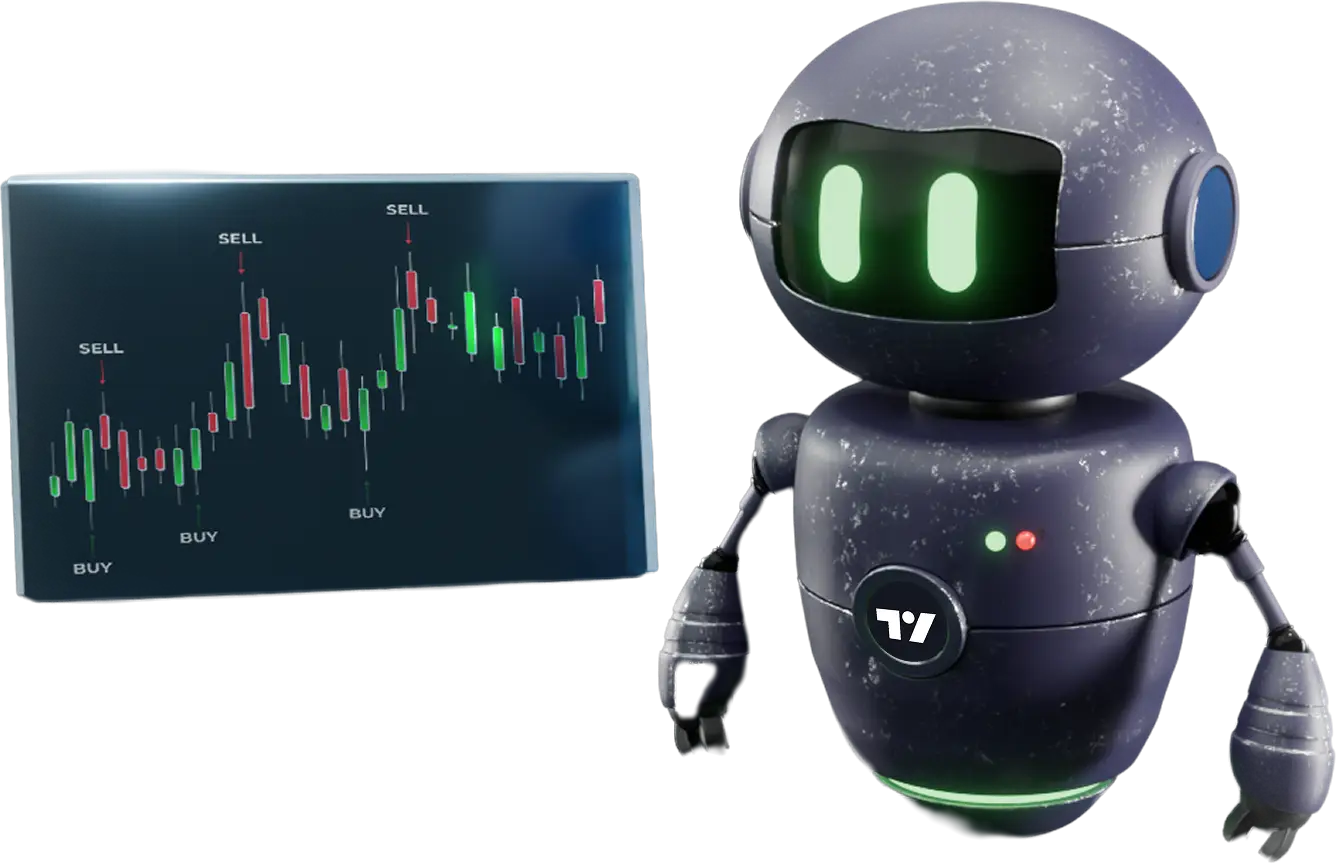
what is the TradingView bot by goodcryptoX?

Our platform lets you execute trading strategies automatically using TradingView alert bot signals sent via webhooks. Build custom strategies that trigger or cancel any trading bot – DCA, Grid, and others, or place a manual order across 25+ CEXs, 5+ blockchains, and Hyperliquid.

All you need to do is set up a TradingView alert on any of the hundreds of custom or built-in indicators and strategies, then configure it to send a webhook – the goodcryptoX TradingView signal bot handles the rest. Alternatively, use the built-in goodcryptoX signals, based on technical indicators from TradingView, with no webhook setup required.

Beyond indicators, our platform offers advanced charting tools powered by TradingView, giving you deep technical analysis of Bitcoin, Ethereum, and many other cryptocurrency pairs. With goodcryptoX and TradingView, your trading strategy is limited only by your imagination.

step 01

trigger any order or bot with TradingView indicators

step 02

use built-in signals or send them from TradingView

step 03

available on 25+ CEXs, 5+ chains and Hyperliquid

automated trading TradingView strategies

goodcryptoX lets you trigger or cancel any trading bot or order using TradingView signals sent via webhooks. And you’re not limited to building custom buy/sell strategies – every signal can tap the full CEX-grade functionality of the app. That puts 99% of crypto within reach, plus stocks, forex, and more, across 25+ CEXs, 5+ chains, and Hyperliquid, including HIP-3 markets.

DCA TradingView bot

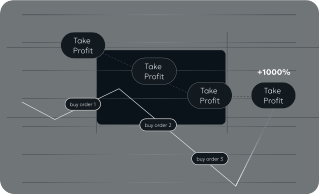
DCA strategy TradingView bot will enter a position based on a TradingView signal and boost your chances of making a profit by averaging your entry price up or down if the market moves against you. It will also automatically adjust your take profit level to reflect your position’s size and average entry price.
DCA trading bot TradingView can be used in both Long and Short modes to profit from both falling and rising markets. Simply choose TradingView Technical Analysis signal as your entry condition, and the trading bot for TradingView will choose the best time to enter the market and even automatically switch between Long and Short modes as the market regime changes.
If you prefer to choose your own condition for the bot to enter the market, simply create a TradingView alert and send the signal to the bot via the TradingView webhook.
TradingView Grid bot

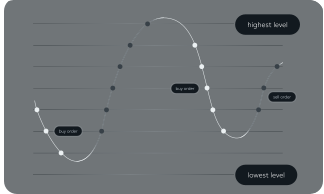
The grid bot will act like a TradingView scalping bot, capturing frequent price movements by maintaining a grid of Buy and Sell orders. Once a Buy or a Sell order fills, the bot will place an opposite order one grid level above or below. goodcryptoX offers three grid bot TradingView strategies: Neutral, Long, and Short Grid bots for ranging, bullish, and bearish markets.
Identify a potential Grid range on the TradingView chart, make a drawing, and set up a TradingView alert webhook. Use this alert to either place the Grid when the price enters the range or stop it once the price leaves it or the market regime changes.

TradingView AI bot

Make your bot TradingView strategy dynamic, powered by market data exported over a set period. Import that data from TradingView into any AI agent and let it refine your strategy further – “increase sizing during bullish sentiment,” “tighten stop losses during bearish,” and so on. Connect your AI agent to goodcryptoX via webhooks and stay ahead of the majority of traders across 25+ CEXs, 5+ chains, and Hyperliquid.

TradingView Trailing stop strategy

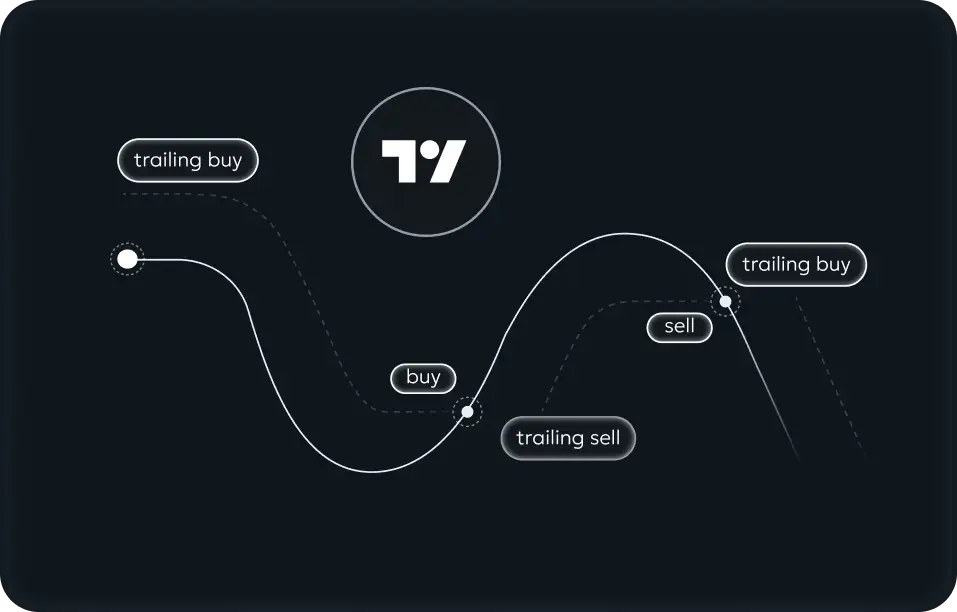
goodcryptoX Trailing Stop orders are the best way to ride trending markets. Use TradingView indicators to catch the start of a trend and activate a Trailing Stop order in goodcryptoX to ride it. Connect a Stop Loss and Take Profit combo to your TradingView Trailing Stop order and turn it into the best TradingView bot for the bull or bear market.
Want the app to do it for you? No problem! Launch our Infinity Trailing algo and choose TradingView Technical Analysis signals as your entry point. Your TradingView crypto trading bot will enter a position with a Trailing Stop, then exit it with another Trailing Stop. Then it will rinse and repeat.

how to set up TradingView bots in goodcryptoX?

step 01

connect exchange account

Visit our FAQ section to find more

step 02

launch TradingView bot

Simple setting in a few clicks

enjoy signals trading
step 03

enjoy automated trading

Bots earn money when you chill

best alternative to TradingView: smart signals & TradingView webhook trading

obj

get TradingView signals & trade crypto in one app

Automatically execute TradingView crypto signals via webhooks and manage all your positions in a single app.

25+ CEXs, 5+ chains, and HL on the Web and mobile

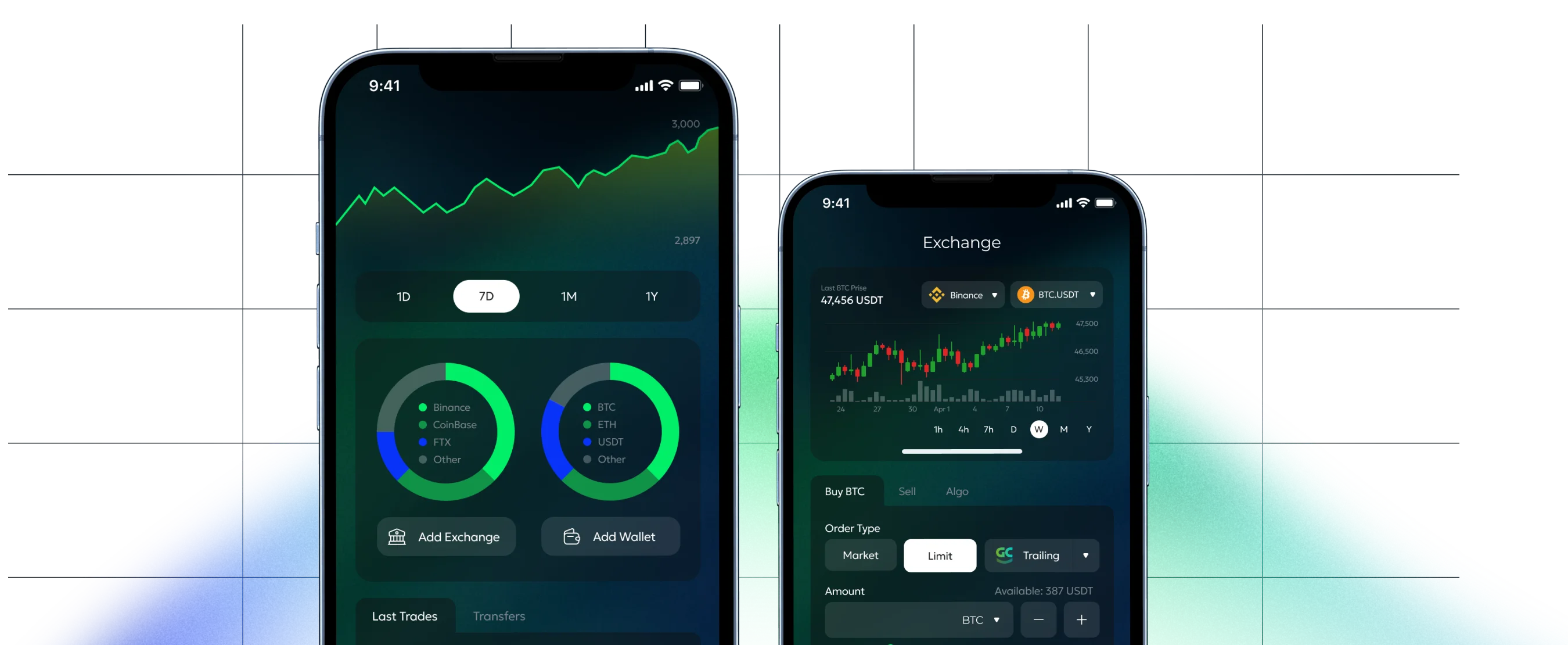
Access hundreds of crypto, stock, equity, and more trading pairs in a single app across the Web, Android, and iOS

free alternative to TradingView

Our app runs on TradingView charting tools and indicators, with webhook connections available even on the Free plan.

advanced trading functionality

Enjoy a CEX-grade trading experience with no-code DCA, Grid and Signals bots, advanced order types and more.

why use TradingView trading bot by goodcryptoX?

why do you need TradingView automated trading bot?

TradingView is a great tool for spotting new trade opportunities on the chart and receiving indicator-based signals. But executing those signals manually means sitting in front of the chart all day, every day. The trading bot on TradingView by goodcryptoX solves that – it works the markets 24/7, executing signals received via webhook instantly and eliminating the risk of human error.

Trading View bot advantages

The TradingView trade bot by goodcryptoX turns your custom strategies into an automated trading script, backed by CEX-grade functionality. In our app, you can receive and automatically execute signals across 25+ CEXs, 5+ blockchains, and Hyperliquid – HIP-3 markets included. Your setup trades around the clock, putting you ahead of 99% of crypto, stock, and equity traders.

choose your favorite exchange for TradingView algo trading

The automated trading TradingView app by goodcryptoX is a sophisticated tool that can significantly improve your trading on 35 leading spot and futures crypto exchanges integrated into the app. Trade with the TradingView Binance bot, OKX tradingview bot, Bybit TradingView bot, or choose another favorite exchange to trade with the TradingView signal bot to increase your trading profit potential without spending hours on Technical Analysis of specific coins or trading pairs.

get the app. start trading smarter

All your trades, bots, and portfolio in one place — across CEXs and DEXs

<span>get the app.</span> start trading smarter

why goodcryptoX?

obj
unique trading tools

Limit and trailing orders, no-code trading bots like Grid, DCA, TradingView Strategy, and a lot more

non-custodial

Connect your own exchange accounts via API keys and retain full control over your funds at all times.

revenue share

Hold GOOD tokens and get 50% of all swap fees collected by the platform. Get a 1.5x multiplier with our Ultimate NFT.

trading rewards

Receive GOOD token rewards by trading on our platform. The more you trade – the more you earn!

FAQ

For trading on CEXs, goodcryptoX offers a free subscription tier with limited functionality. You can also upgrade your account to access advanced platform features such as algorithmic trading, trailing stop orders, and more.

Meanwhile, for DEX trading, goodcryptoX offers free access to all its tools, with swaps subject to a fee that can be decreased based on trading volume, GOOD token holdings, goodcryptoX subscription, referral status, and our exclusive NFTs ownership.

To launch the TradingView Strategy bot, you need to connect API keys to our app. In this definitive guide, find all details about configuring the exchange API key and secret and adding them to goodcryptoX.

Getting started with goodcryptoX is as easy as 1-2-3. Simply open the goodcryptoX app in your browser or download it to your iOS or Android device. Create an account, navigate to the goodcryptoX section, and click ‘Setup wallet’. Once your wallet is created, fund it by transferring coins from another wallet or buying directly from goodcryptoX with a credit card. That’s it – you’re ready to go!

goodcryptoX gives you TradingView automated trading bot not just for crypto, but for forex, stocks, and more. The app supports 25+ CEXs, 5+ blockchains, Hyperliquid, and HIP-3 markets, opening a path to TradFi pairs with CEX-grade trading tools.

Yes, there is. The goodcryptoX app supports Hyperliquid and HIP-3 markets, giving you access to JPY, EUR, GBP, DXY, and KRW, with more pairs coming soon. And since goodcryptoX supports 25+ CEXs, some TradFi pairs are available there for using automated trading with TradingView.

Yes, you can. Connect your Hyperliquid account to goodcryptoX and get stock TradingView auto trading on HIP-3 markets. What’s more, since our app supports 25+ CEXs, you can also reach TradFi pairs listed on specific exchanges. Just connect your API keys to goodcryptoX and trade stocks with a CEX-grade toolset in one user-friendly interface.

goodcryptoX is one of the most secure crypto trading apps on the market:

  • We don’t have access to your funds.
  • We don’t require your wallet’s private keys.
  • goodcryptoX is highly rated by the leading security firm, CertiK.
  • For CEX trading, all internal connections are encrypted, and backend services are encrypted and firewalled separately. See more details on our Security page.
  • For DEX trading, we offer a fully non-custodial smart contract wallet, powered by MPC protection.